How could I read the content of error pages online?

Have you ever been in a situation where you click on a page among your Google search results but can’t read the content? It clearly shows the content related to your keywords, but the browser said, “Can’t reach this page.” Frustrated, isn’t it? Haha, I’ve just discovered this trick!

Short answer: Try adding “cache:” in front of the web URL, then click enter.

The before and after would be something like this:
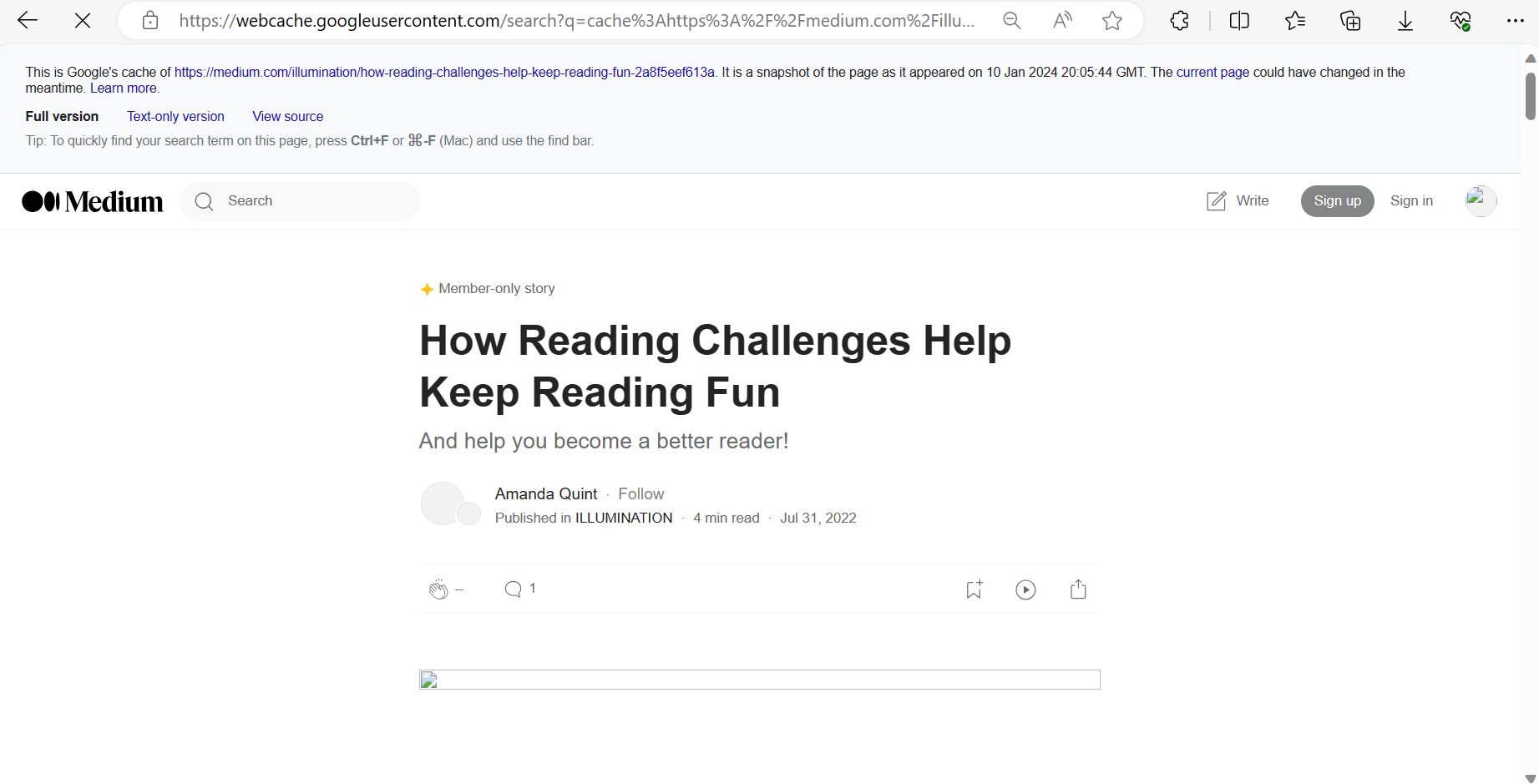
Longer answer: It seems like everything that appears on a search engine will have its “cached version”, so you can still access its content by reading the archived version saved by the search engine you’re using. For this reason, be careful about what you decide to share online ;)

A temporary hack to fix my indecision

It’s already 11:00 pm, yet I can’t help but force myself to jot down these thoughts before they slip away. Today is my first day of freedom, meaning I have all the time for myself to do whatever I like. No more being pushed around or getting swept away by “work.” No more lame excuses like “Oh, I’m too busy for that” (≧∇≦). And as I was sorting out my December plans, it hit me – I was indecisive AGAIN! I didn’t know when I should book my flight back to Hanoi. My former boss is cool enough to sponsor my trip one last time, but now it’s decision time, and it better be one that works in my favor. Why is it so tricky every time I have to choose? What if I pick a date that’s too early? What if it’s too late? Oh noooooooo – there I was, dwelling on a bottomless pit of thoughts and procrastinating, AGAIN.

Continue reading